Windows bugs and fixes October 16 2026: status
Chapters
TL;DR
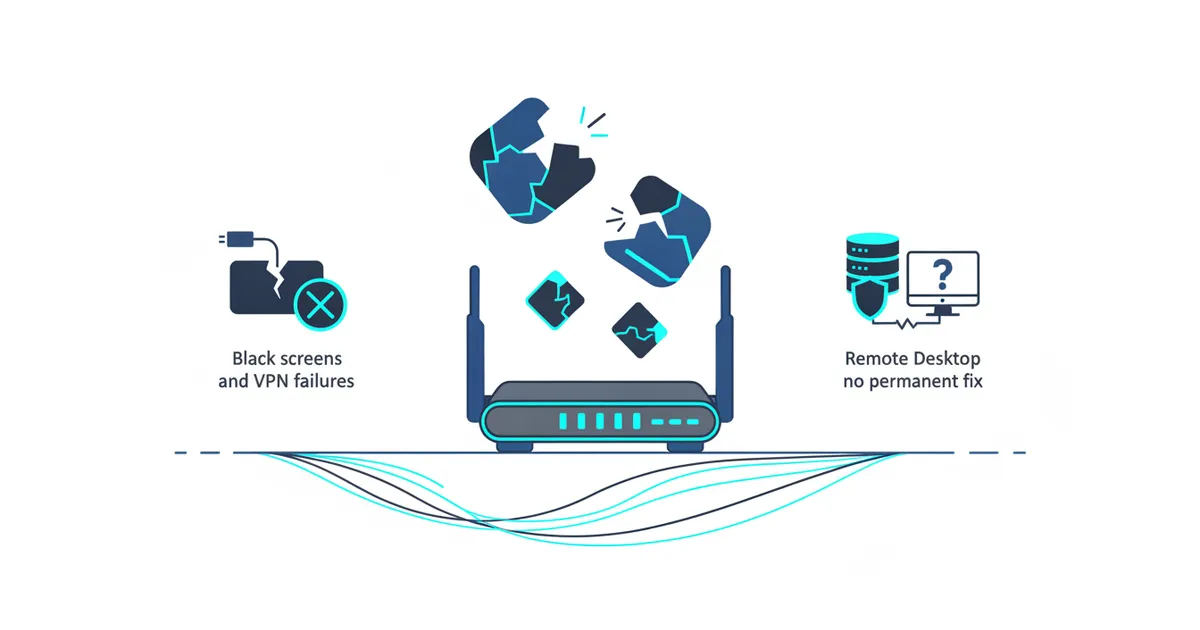
Windows 11 updates released since August caused black screens and Explorer crashes, Cyber Press reported on October 15, 2026. The Windows Update distributed in October 2026 also caused Remote Desktop failures on certain Windows 11 devices, Finance Biggo reported on October 15, 2026. KB5127646 fixes the desktop failure, but a permanent Remote Desktop fix has not shipped, Cyber Press reported.
- Install KB5127646 or a later Windows update to fix the desktop-loading failure, Cyber Press reported.
- Patch Tuesday cumulative updates resolved the black screens and Explorer crashes, BleepingComputer reported on October 15, 2026.
- KB5127648 and KB5127646 fix the Always On VPN connection issue, BleepingComputer reported on October 14, 2026.
- Disabling Administrator Protection is a temporary Remote Desktop workaround that lowers the intended security baseline, Finance Biggo reported.
What broke on Windows?
Black screens, Explorer crashes, and non-administrator Remote Desktop failures broke Windows 11, Cyber Press reported. The desktop failure could leave an affected user at a black screen after authentication until the desktop session was started manually, while application event logs could record Windows Explorer crashes, Cyber Press reported. The Remote Desktop failure prevents non-administrator users from connecting to hosts when Administrator Protection is enabled, according to Cyber Press.
The black-screen issue followed Windows 11 updates released since August and mainly affected Azure Virtual Desktop hosts using FSLogix, gHacks reported on October 15, 2026. The available Known Issue Rollback packages cover Windows 11 version 26H1, version 25H2, and version 24H2, according to gHacks.
These Windows known issues need separate decisions because the desktop resolution has shipped while the permanent Remote Desktop resolution has not, Cyber Press reported. I would identify the visible symptom, installed update, Windows version, and Administrator Protection setting before changing a policy.
Which Windows fixes have shipped?
KB5127646 shipped for the desktop-loading failure, Cyber Press reported. The October 13, 2026 update and subsequent releases remove the need for affected users to start the desktop manually after authentication, according to Cyber Press. Microsoft recommends installing the latest available update because it contains the resolution and other improvements and fixes, Cyber Press reported.
Cumulative updates released for Patch Tuesday resolved the black screens, desktop-loading problems, and Explorer crashes, according to BleepingComputer's black-screen report. Managed devices can instead use KB5124006 Known Issue Rollback for Windows 11 version 26H1 or KB5124010 Known Issue Rollback for Windows 11 versions 25H2 and 24H2, BleepingComputer reported. An administrator must install and configure the matching Group Policy and restart affected devices for that mitigation, according to BleepingComputer.
The Windows update fix for Always On VPN also shipped through KB5127648 and KB5127646 for affected systems running Windows 11 24H2 and later, BleepingComputer's VPN report said. The updates address connections stuck in a Connecting state or failing after an initial attempt when automatic protocol selection or protocol fallback was configured, BleepingComputer reported. Devices that cannot take the updates can use SSTP only or IKEv2 only, depending on the environment and configuration, according to BleepingComputer. That workaround gives up automatic protocol selection or fallback.
What remains unfixed?
A permanent Remote Desktop fix has not shipped, Finance Biggo reported. Windows 11 25H2 is affected, and Microsoft is working toward a resolution for devices where Administrator Protection is enabled, according to Finance Biggo. Cyber Press separately said recent Windows updates can stop non-administrator users connecting to Remote Desktop hosts with that security feature enabled.
No cited report names a permanent fix build, KB number, or release date. I would not promise a delivery date or treat the earlier Remote Desktop correction as a fix for the current Windows 11 bug.
Microsoft recommends temporarily disabling Administrator Protection until a permanent fix is released, but that policy change lowers the intended security baseline, Finance Biggo reported. Organizations need to re-enable the setting after connections are established, according to Finance Biggo. I would use the workaround only after the device owner accepts the reduced protection. Waiting keeps the intended protection but leaves affected non-administrator Remote Desktop connections unavailable.
What can you do today?
Install KB5127646 or a later Windows update where applicable to fix the desktop-loading failure, Cyber Press reported. If updating is not immediately possible, press Ctrl+Shift+Esc, select Run new task, enter explorer.exe, and select OK to launch Windows Explorer, according to gHacks. That manual workaround loads the desktop only for the current session and does not remove the underlying cause, gHacks reported.
For Always On VPN, install KB5127648 or KB5127646 where offered because those cumulative updates address the affected connection behavior, BleepingComputer's VPN report said. If installation must wait, ask the administrator to change the Always On VPN profile from automatic protocol selection to SSTP only or IKEv2 only, based on the environment and configuration, according to BleepingComputer.
For a Windows KB update problem, record the installed KB, Windows version, visible symptom, and Administrator Protection setting. Leave Administrator Protection enabled unless the device owner approves the temporary reduction in protection. If Remote Desktop fails for a non-administrator user, no permanent correction is available in the cited reports.
For the preceding status and earlier evidence, compare my Windows bugs and fixes October 15 2026: status, published October 15, 2026. I would verify the current symptom against the documented issue before applying a workaround.